To change the Sorting order in the Tasks Tab, hover over the column header, then click the arrow that appears next to the column header.
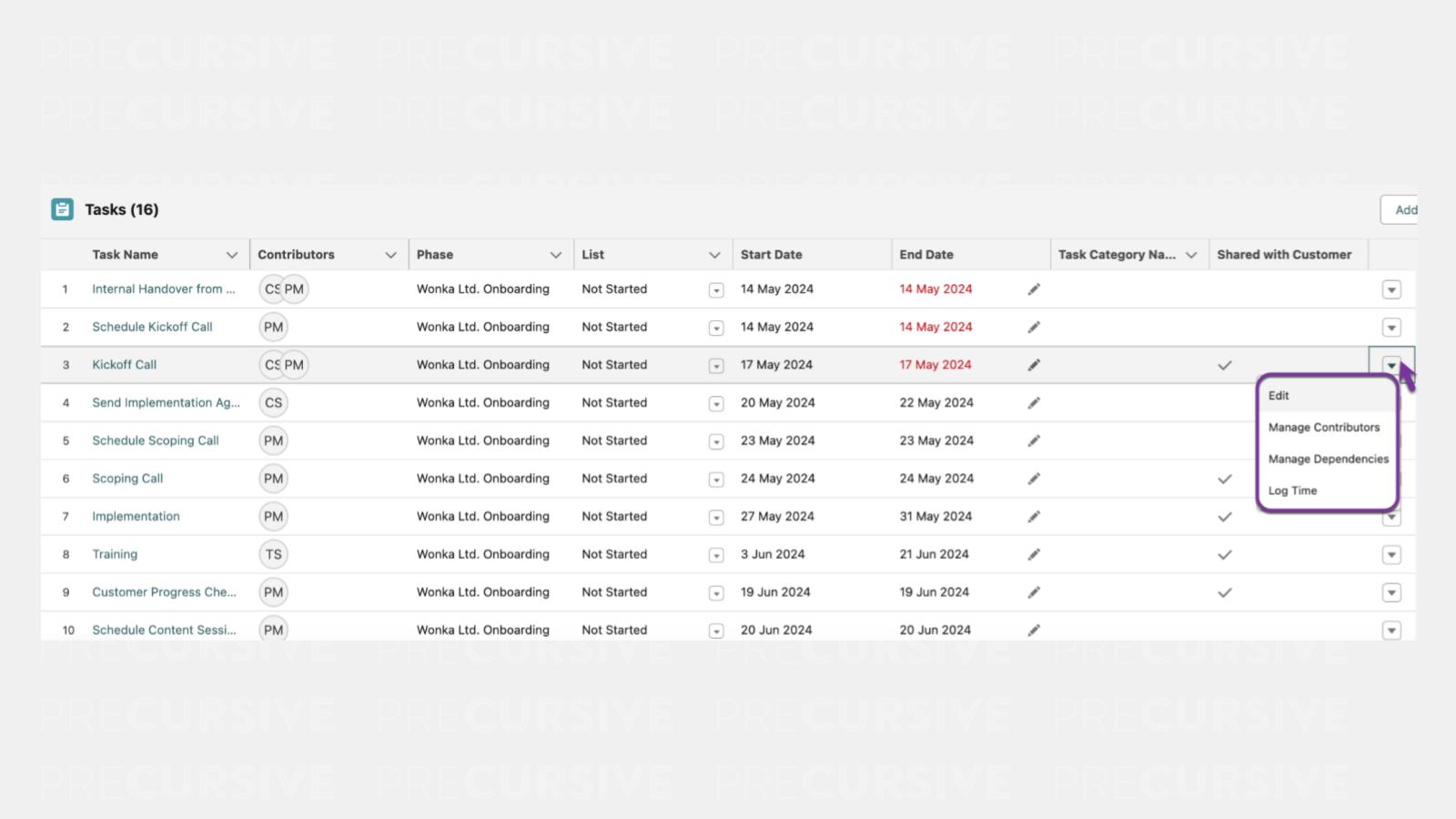
With this view you can perform the following actions ✅:
- Edit
- Manage Contributors
- Manage Dependencies
- Log Time
NOTE: Your Salesforce Admin can customize the columns. To update these fields, go to Setup, navigate to Object Manager, select Project Task, then Field Sets, and choose Task Table View. From there, pick the fields you want to appear and their order.